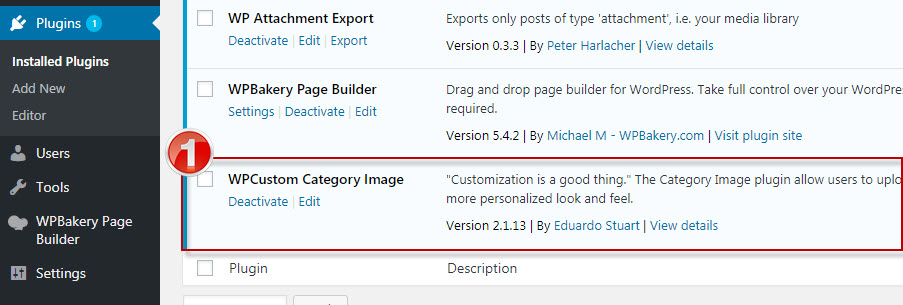
- Make sure plugin «WPCustom Category Image» is active before adding header image for the KB category.
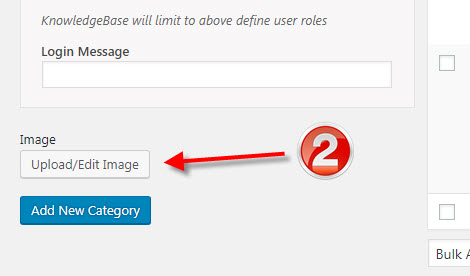
2. Please go to «Knowledge Base > Knowledge Base Categories», to add image for the KB Category.
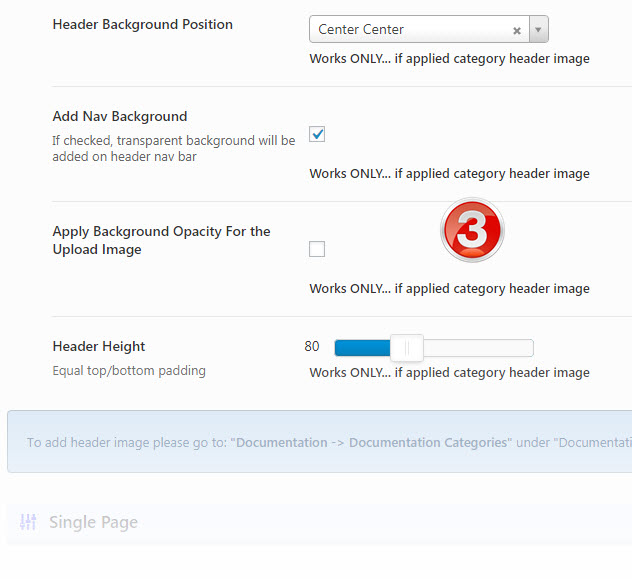
3. Please go to «Manual Options > Knowledgebase > Single Post/Category On|Off» under «Category Page» section you will find necessary settings, to do more adjustment for the upload category image.
NOTE: Please remember the settings configured using «Manual Option» is global and will applied for the all category upload images.